Pick a style, upload the right number of photos, and generate a polished result in one clean flow.
Selected style
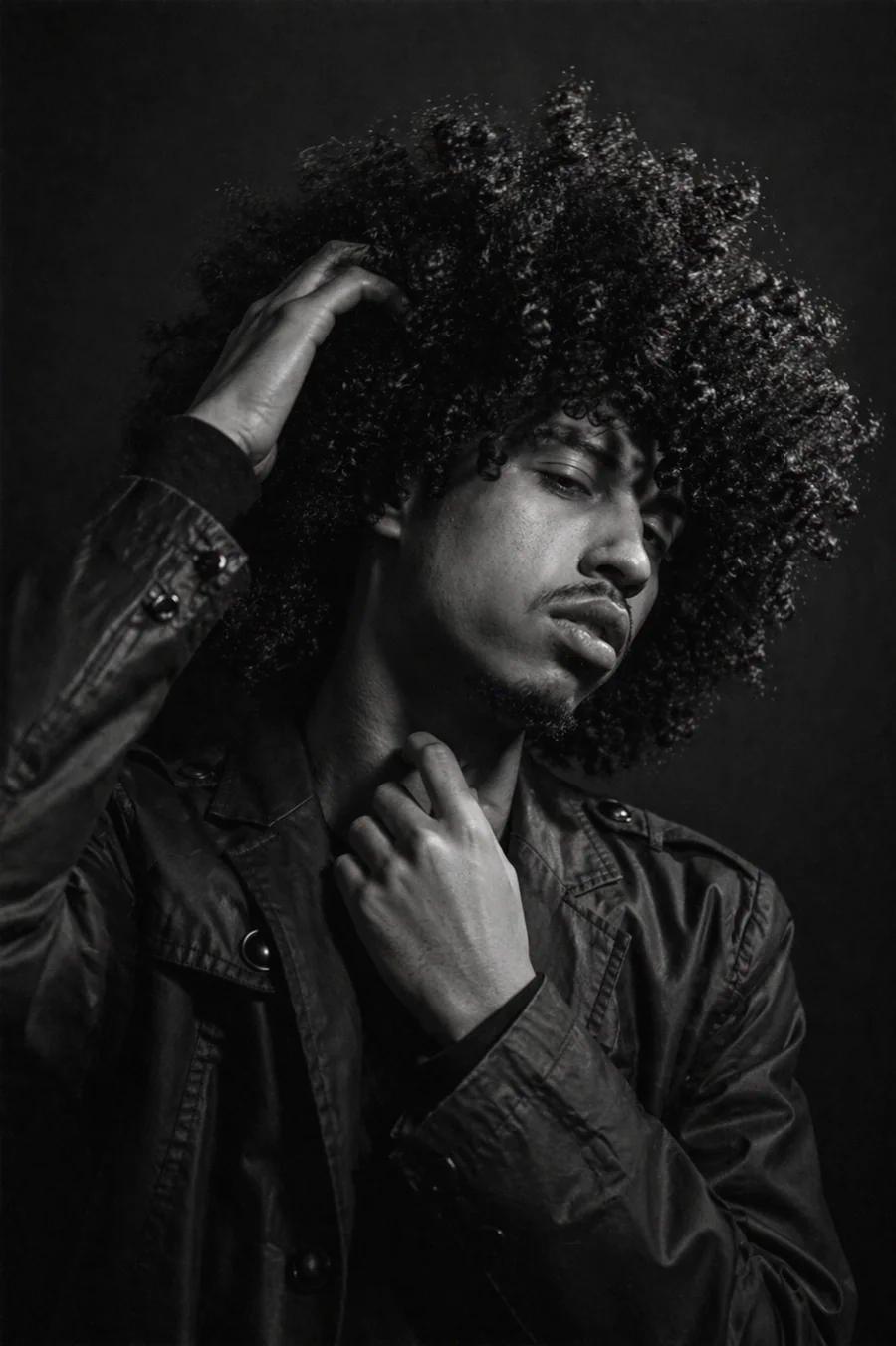
Fine Art Monochrome (Boy)
An emotional black-and-white fine-art pose with album-cover energy.
Medium
0 of 2 used today2 remaining todayboy style
Uploads
Upload exactly one face photo for boy styles.
1 required
Uploads will appear here with previews, remove controls, and ordering for multi-photo couple styles.
Medium
boy
Fine Art Monochrome (Boy)
An emotional black-and-white fine-art pose with album-cover energy.
Choose a style
Browse visual styles
Step 1
Upload
Upload the right number of face photos for the style you want.
Step 2
Choose a style
Pick the visual direction you want with the matching template preview.
Step 3
Generate
Get a polished result and keep going from there.
Questions
Vibely FAQ
How many free Vibely transformations can I use each day?
Daily anonymous limits are enforced by style tier before generation starts: basic styles allow up to 4 generations per day, medium styles allow 2, and premium styles allow 1.
Do I need an account to use Vibely?
No. Vibely currently uses an anonymous session token so you can try the tool without signup friction.
How many photos can I upload?
Boy and girl styles use one uploaded image. Couple styles can use between two and five uploaded images in the same generation flow.
Ready
Choose a look and create your next image.
The flow stays simple: upload, pick a style, generate.